
AUTOMATIC PARTS
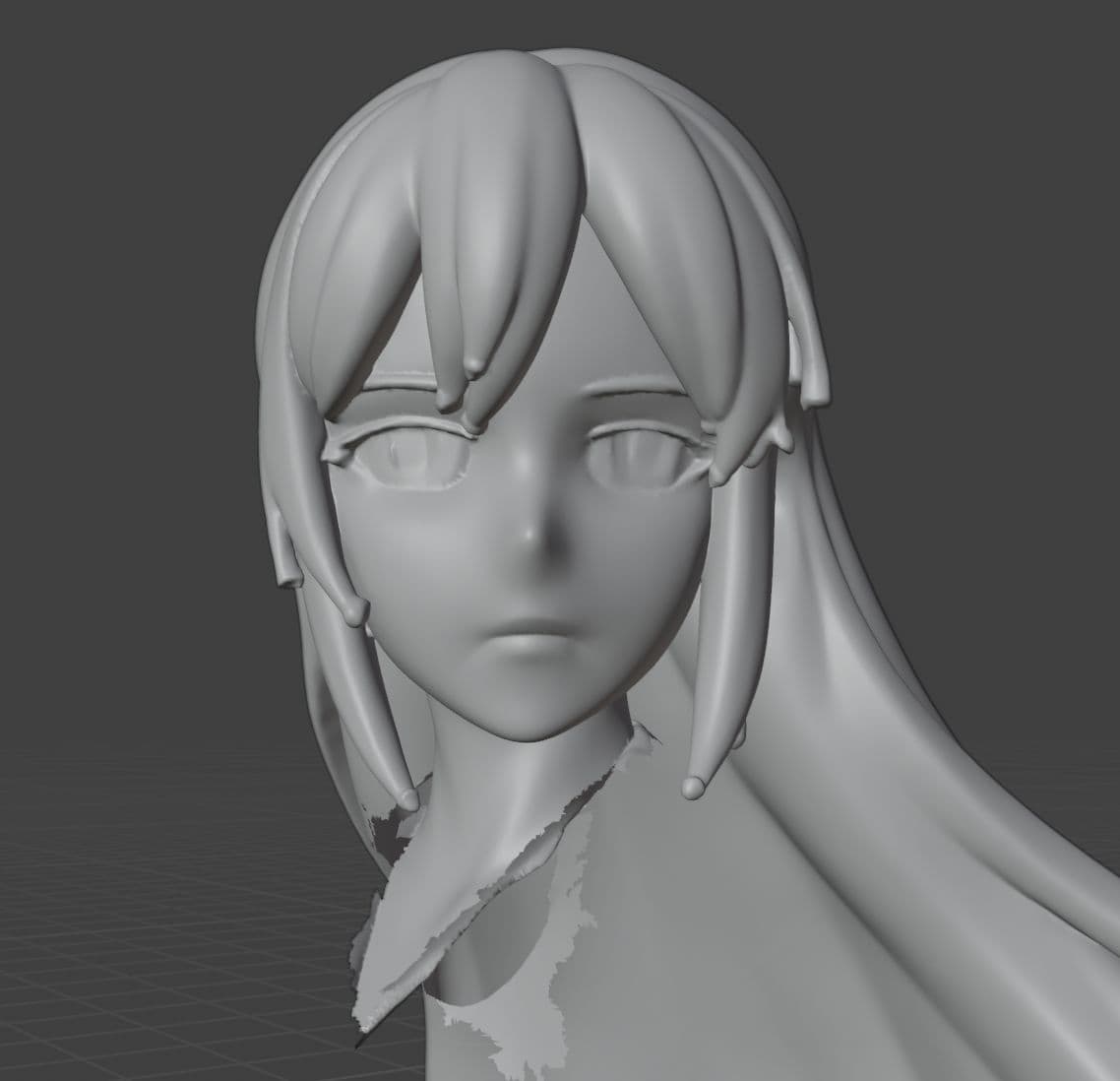
Competitor's auto partsShared geometry budget · automatic split
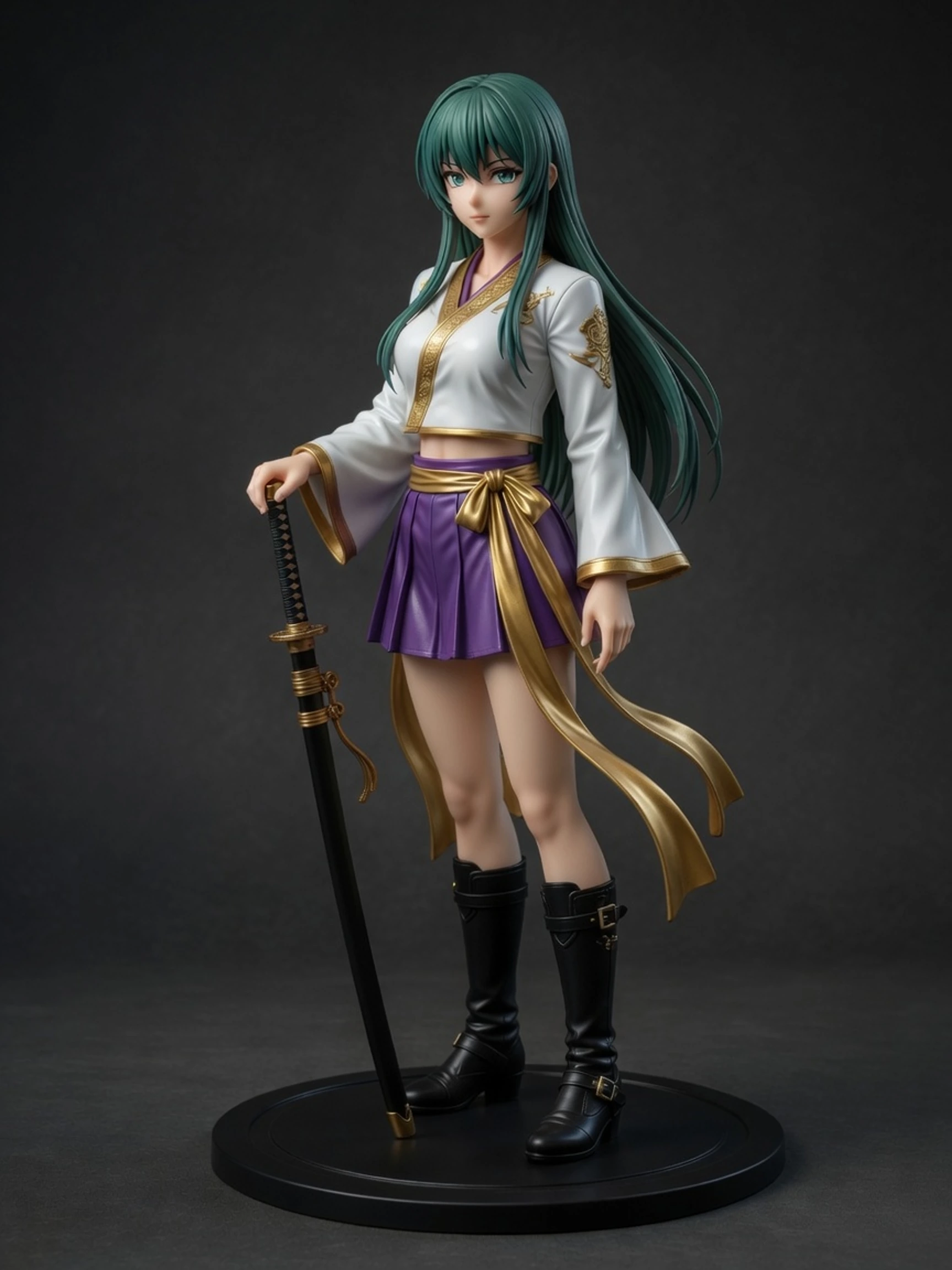
Print-ready 3D figures
Character art in. A detailed mesh out. The whole pipeline lives here.
Character art in. A detailed mesh you can inspect and refine. Stylize, isolate and generate in one place.
250 welcome creditsNo invite required
Inspect a real mesh↓The output, in your hands
Before / after
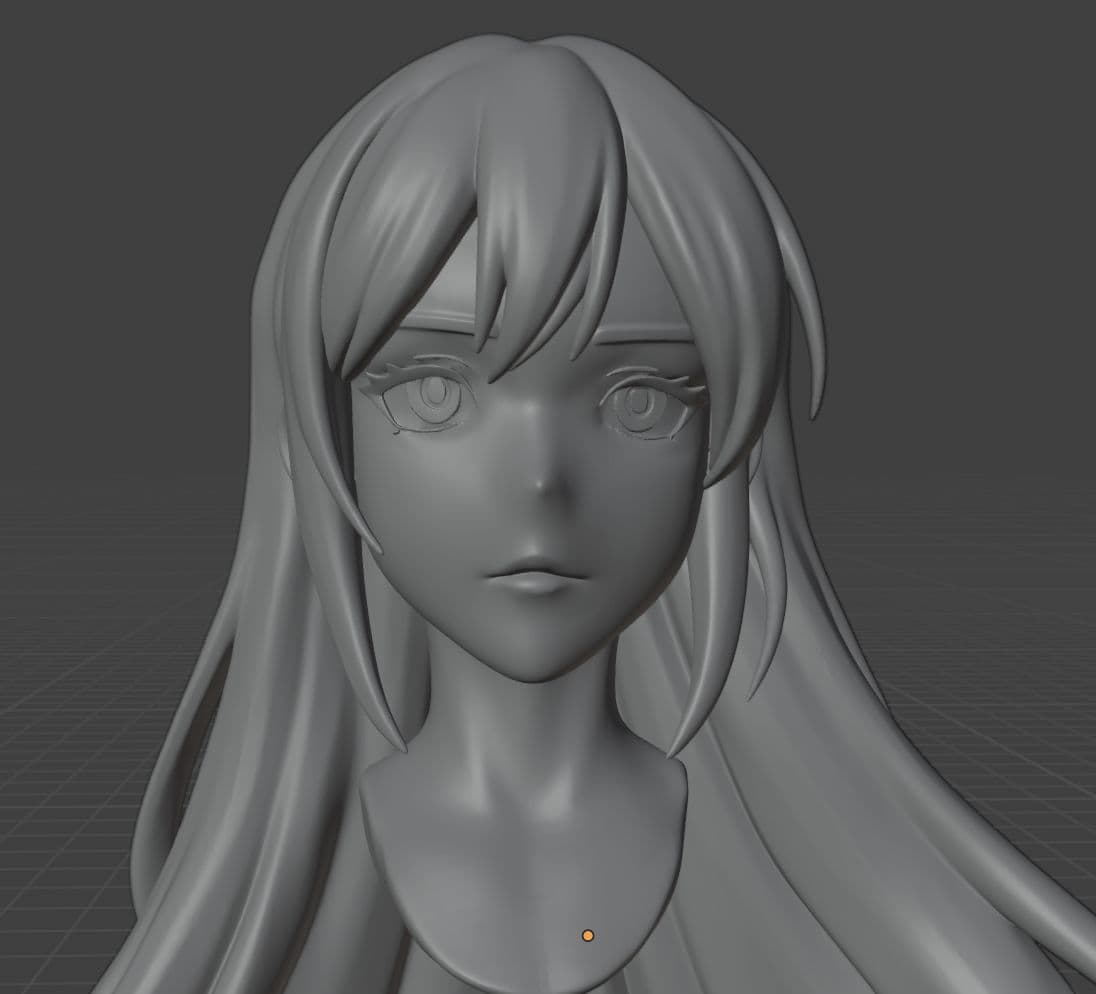
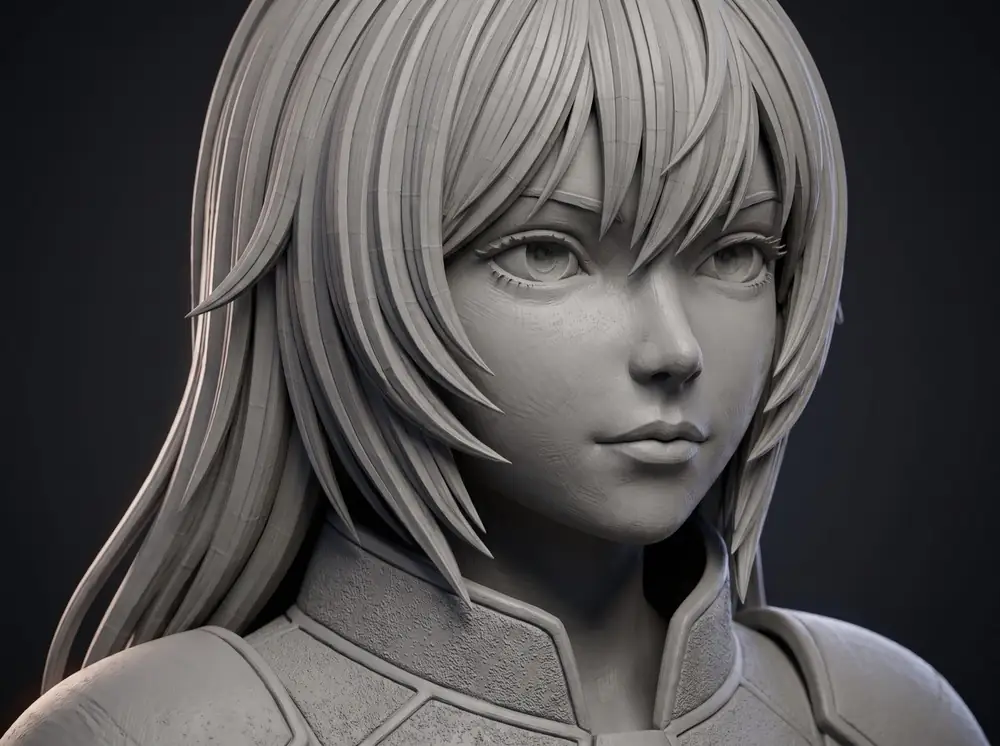
Zoom into the face
Same figure. Auto-parts loses eyes and hair; UForge3D gives the head its own mesh budget.
Two flows, one pipeline
Best for clean silhouettes and single-piece figures.
For hair, weapons, outfits, and details that need their own budget.
Per-chunk, in practice
Forge Studio reads the source figure, finds the natural seams, and emits each region as its own clean PNG — ready to be sent to the 3D engine on its own dedicated mesh budget.
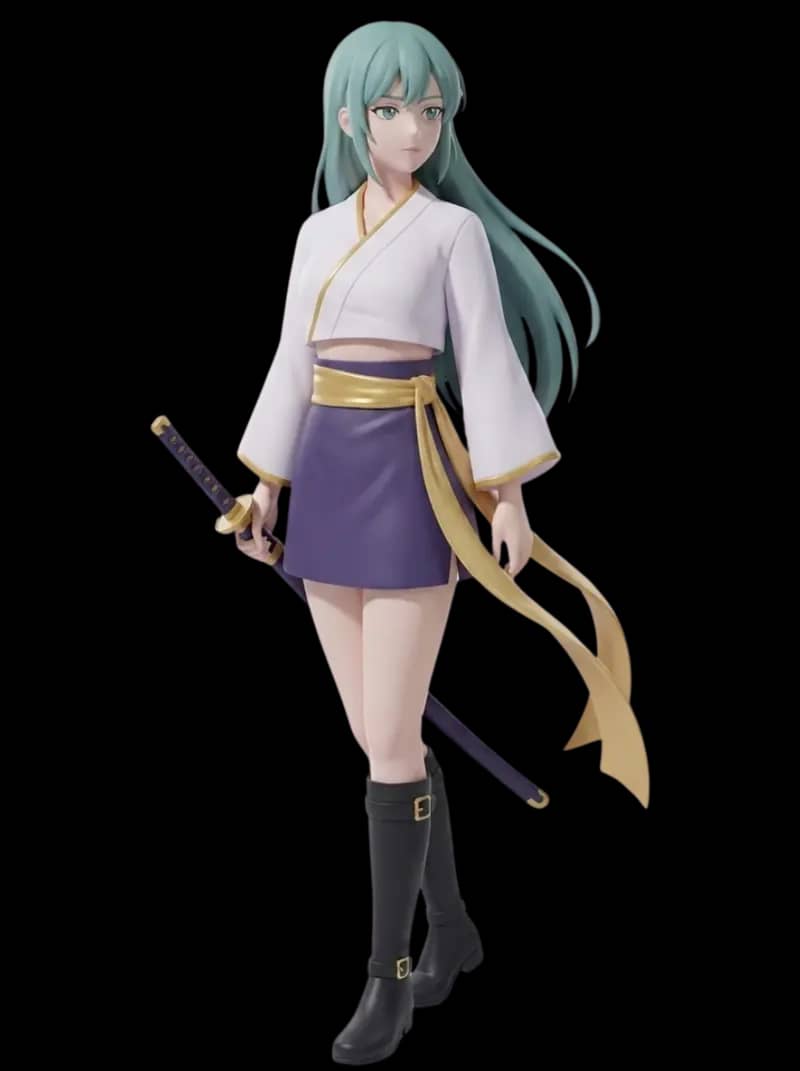
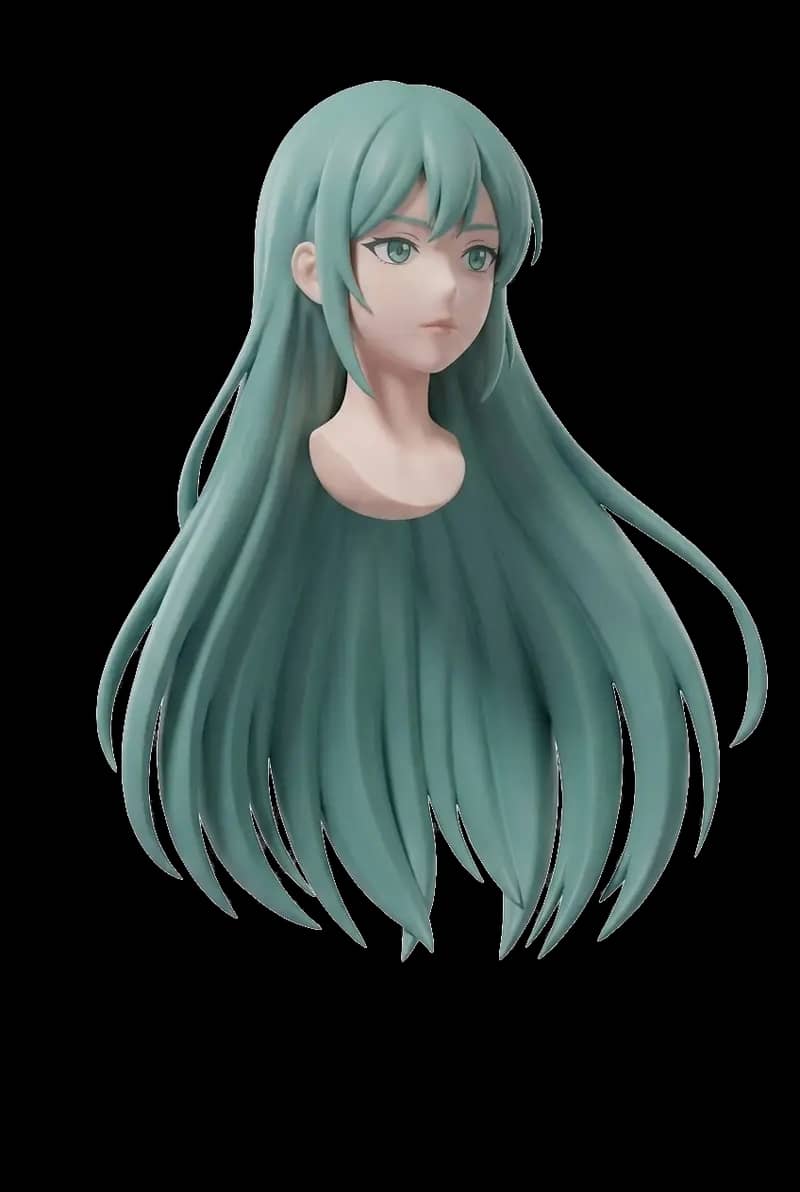
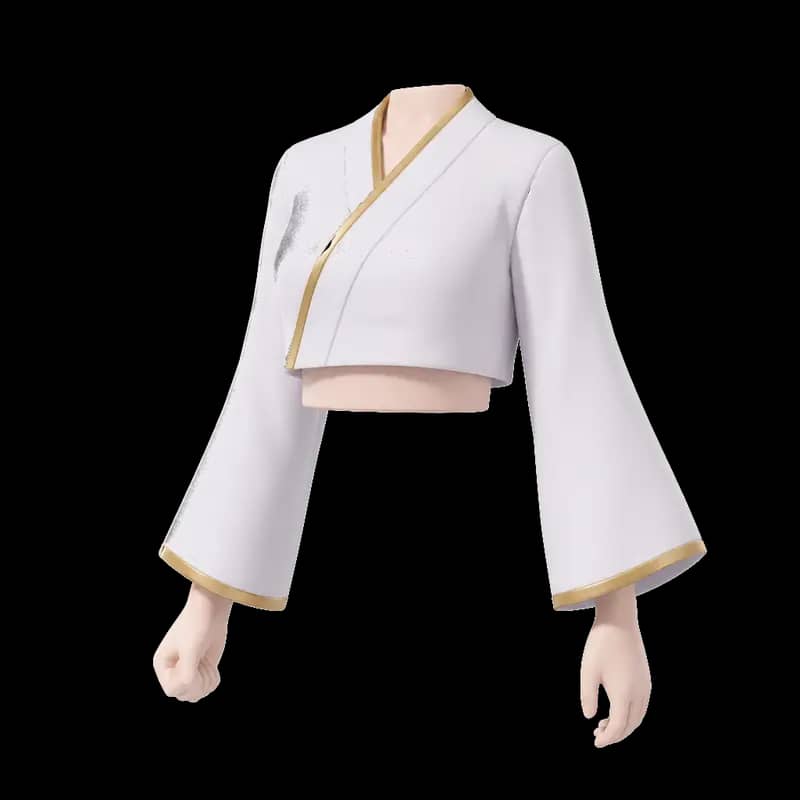
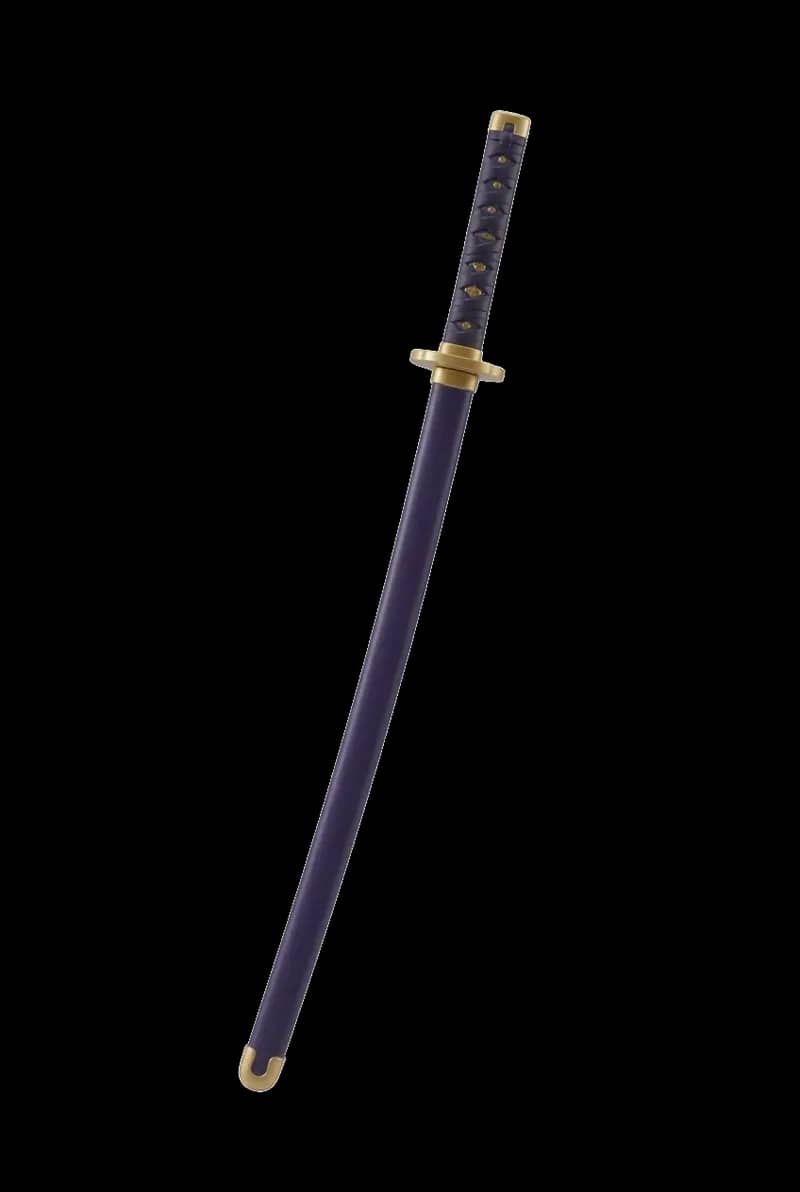
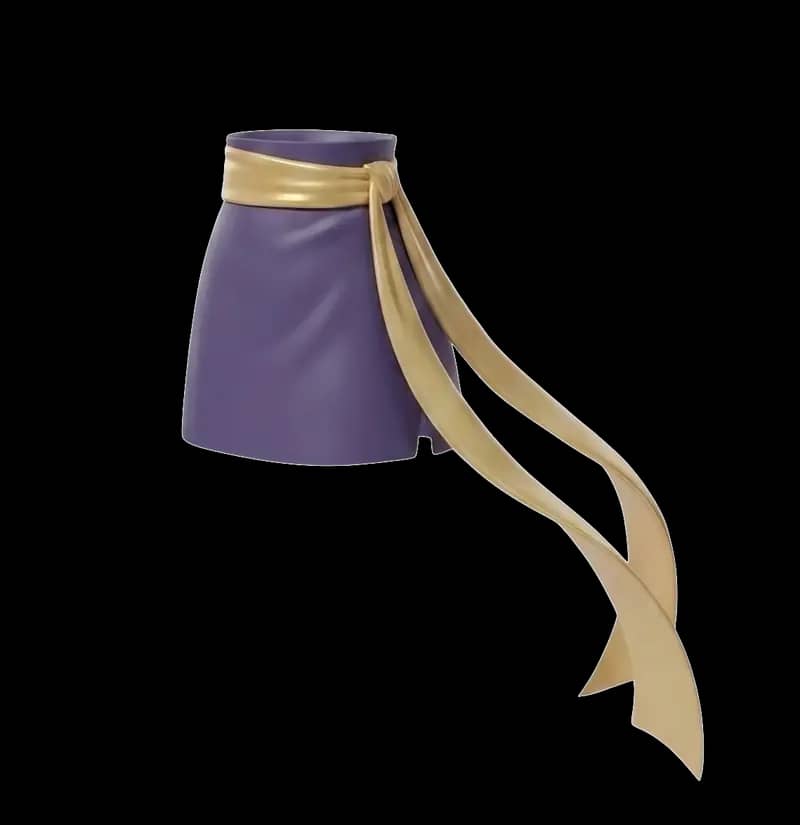
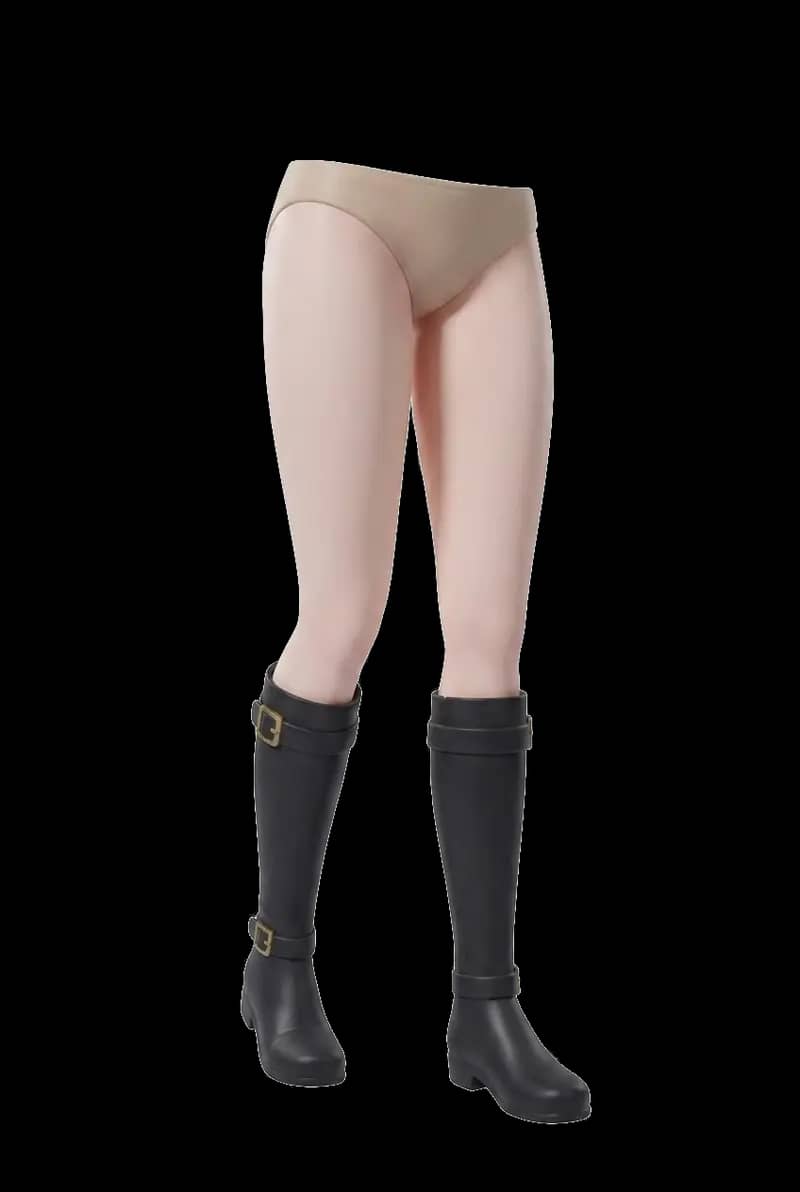
Pipeline demo · 33 seconds
One image through six stages — stylize, analyze, isolate, generate, assemble.

Watch the pipeline run · 33 seconds
Pick a character and watch the full UForge3D pipeline — stylize, analyze, isolate, generate, assemble. No upload needed.
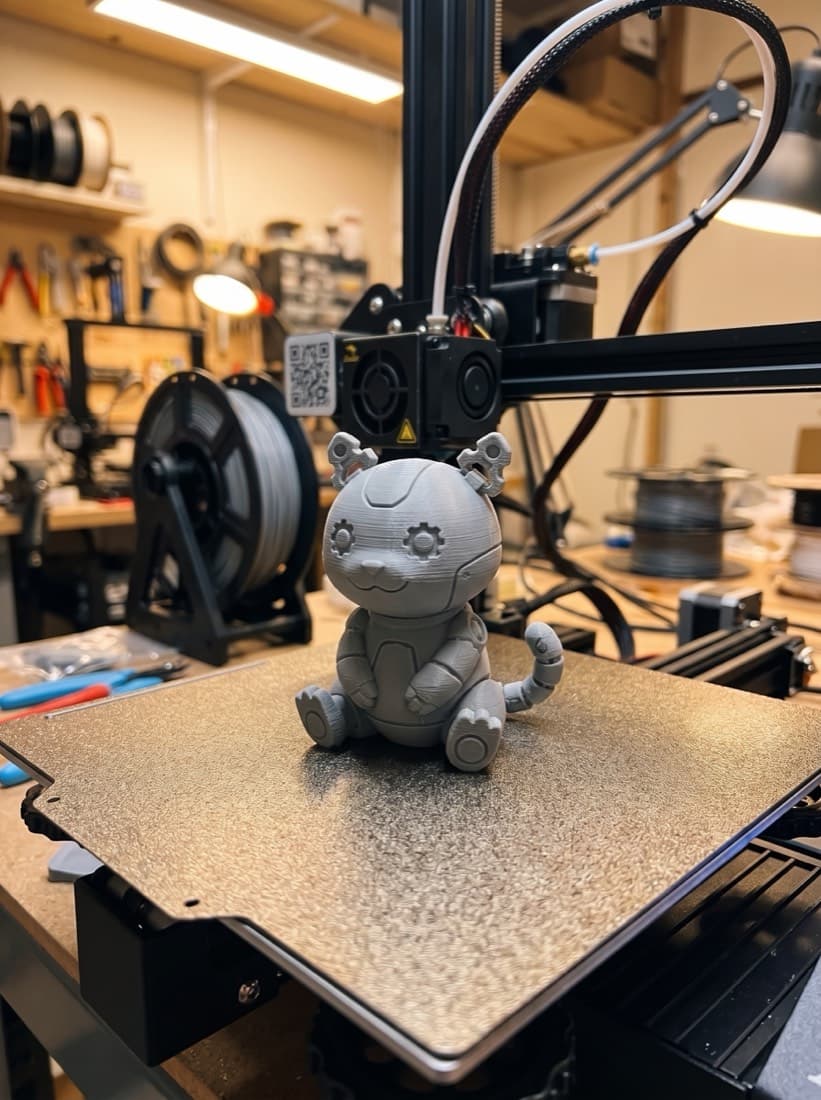
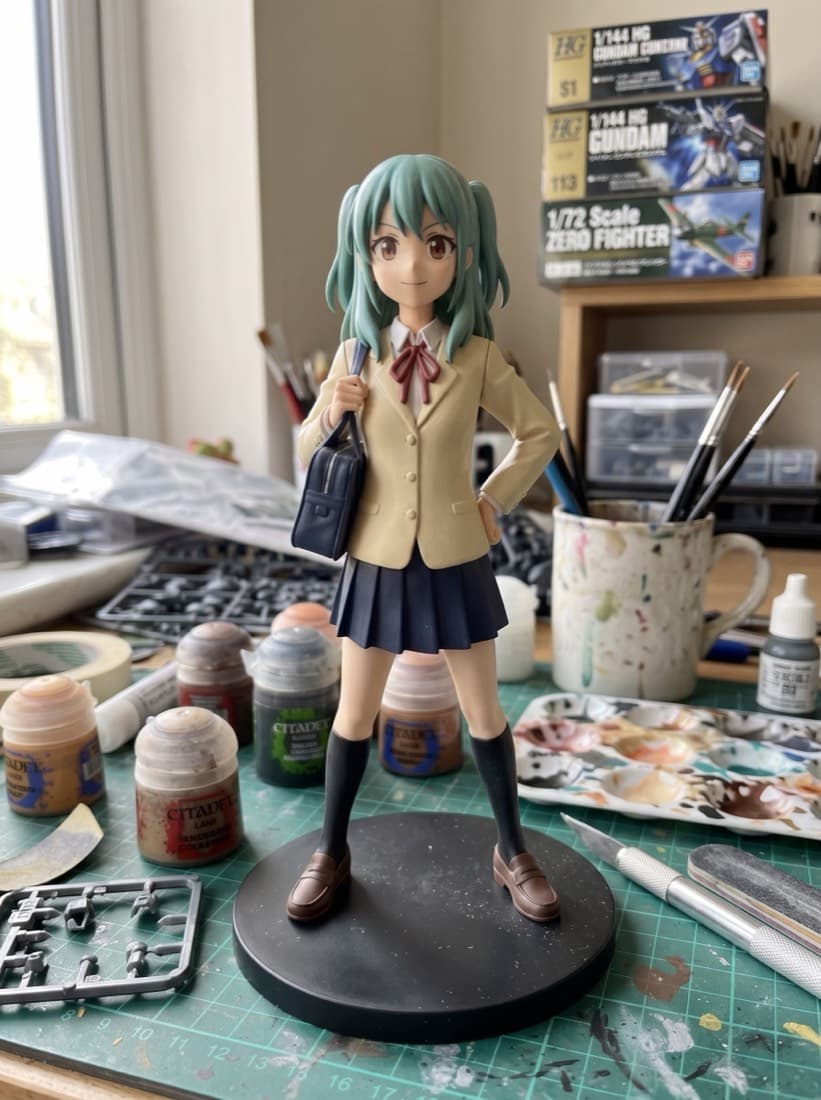
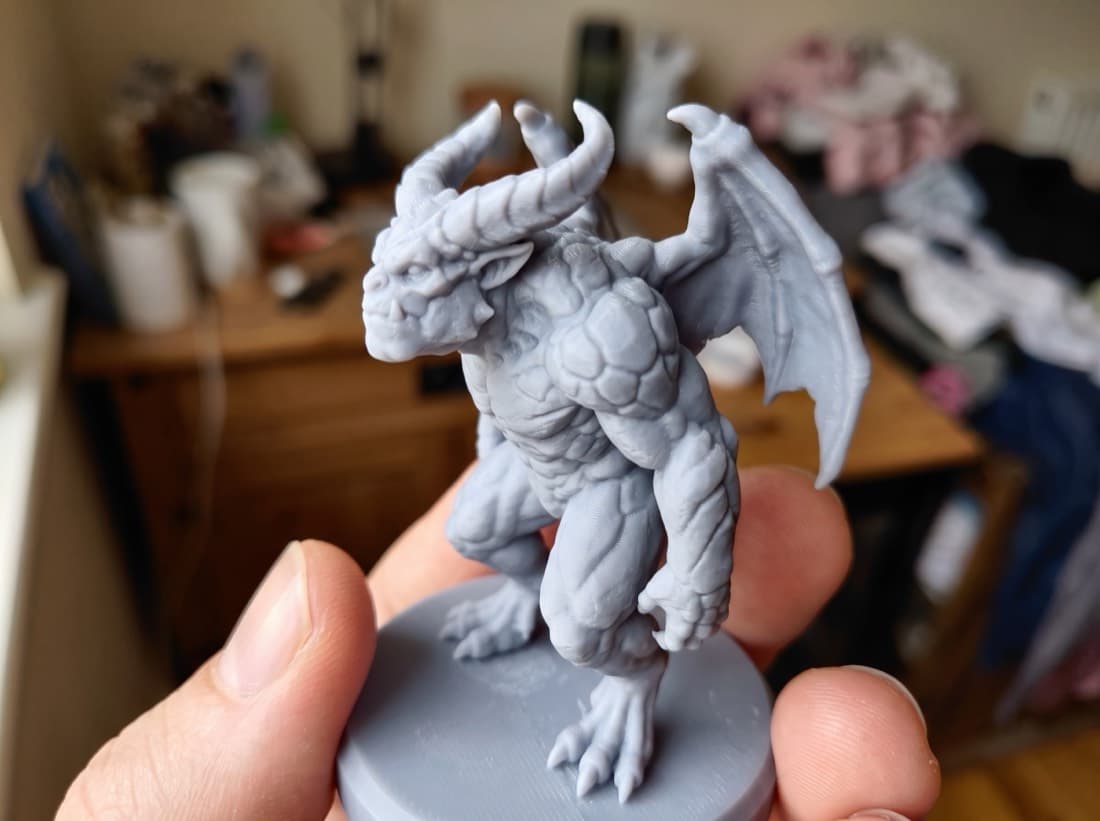
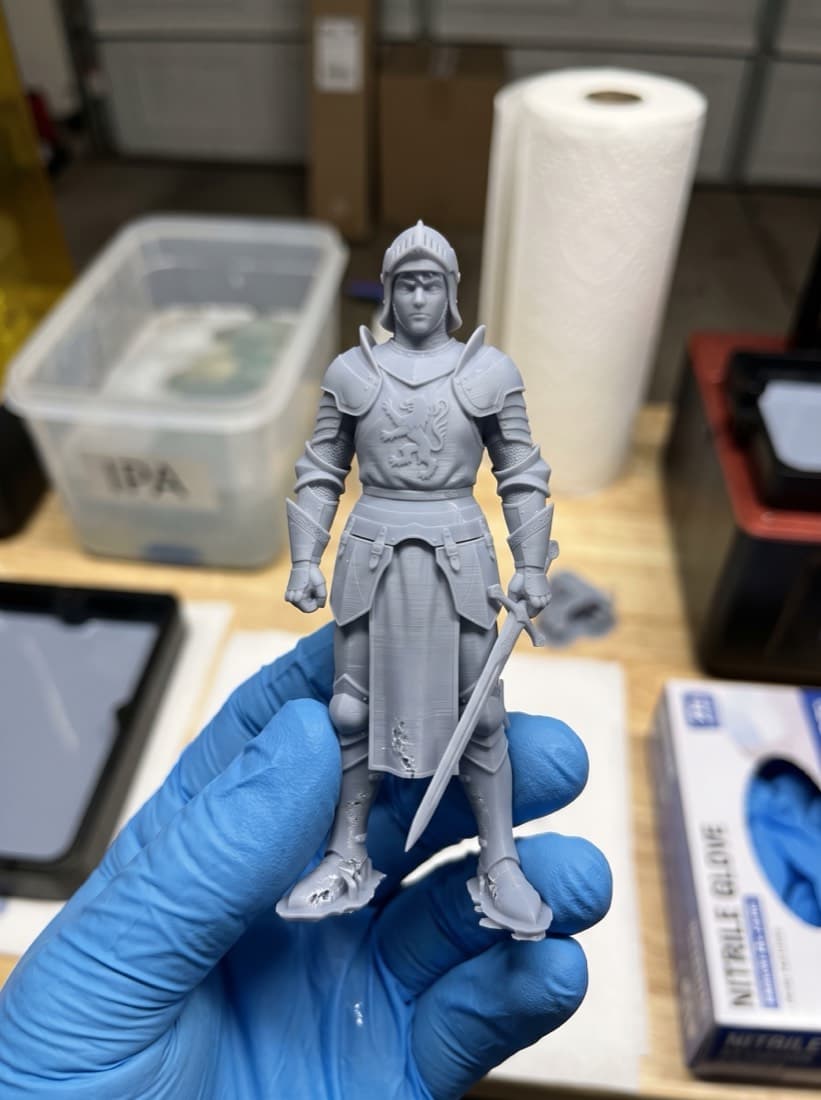
Off the screen
The same characters from the sections above — inspected, sliced, printed and finished at home. These are real field results, not a guarantee that every AI output prints without preparation.
Why UForge3D
Stylized art and tiny details get focused attention; print validation stays in your slicer workflow.
High-poly geometry and clean PBR, one toggle away.
The detailed geometry and texture quality that competing tools hide behind paywalls or skip entirely, unlocked with a single toggle. Higher poly count, cleaner surfaces, real PBR.
FAQ
The short version of everything creators ask us before signing up. Anything else — hello@uforge3d.com.
One image of your character — anime, Pixar-style, vector art, even a rough sketch or photo. The pipeline handles stylization and geometry. No 3D modeling skills required for the fast flow.
On a paid plan: GLB or OBJ download, depending on the selected modeler, plus one-click STL export for slicers. Free accounts can generate and preview in the browser. Generated meshes are AI outputs: inspect topology, scale, wall thickness and supports in your modeling or slicer tools before printing.
Not for the fast single-mesh flow — that goes from image to a complete mesh with no required external modeling step. Depending on the output, you may still want cleanup or validation in a slicer or modeling tool. The Forge Studio multi-chunk flow ends with reassembly and refinement in Blender (free).
The pipeline targets both FDM and resin workflows, but printability depends on the generated geometry, scale, material, printer and slicer settings. Inspect and validate every mesh before printing. Confirmed technical failures may be eligible under our Refund Policy.
You do. You keep all rights to the art you upload — we only process it to run the pipeline you requested — and we claim no ownership over the meshes you generate. Print them, paint them, sell them.
Just sign up — no invite or application needed. Every new account starts with 250 welcome credits that never expire. Standard mesh, textures and Ultra mesh are all available with your credits; Ultra texture and file downloads unlock on a paid plan. Confirmed provider or pipeline failures restore eligible credits automatically; ambiguous outcomes are reviewed using the operation reference.
Get started
UForge3D is open to everyone. Create your account and get 250 welcome credits that never expire — enough to forge your first figure, Ultra mesh available as a credit option. Ultra texture and file downloads unlock on a paid plan.